By Hamza Faisal
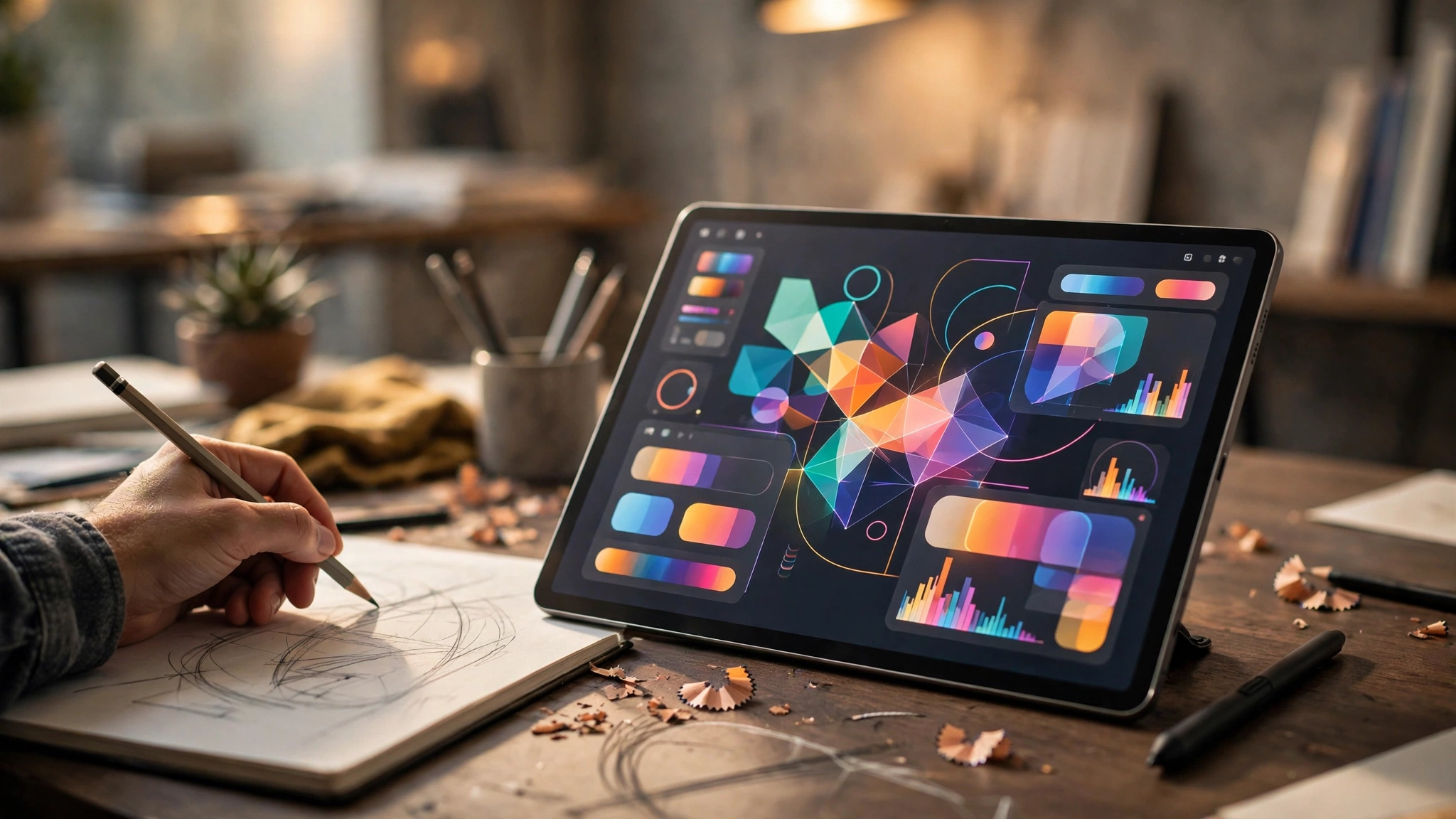
Canva has released Affinity for iPad, bringing its free all-in-one design app to Apple's tablet on November 2, 2026. The launch completes a promise Canva made when it relaunched Affinity for Mac and Windows last year: one app, rather than three separate ones, for professional design work.
Previously, iPad users had to juggle Affinity Designer, Affinity Photo and Affinity Publisher as separate apps. The new Affinity for iPad folds all three disciplines into a single interface, and adds a brand-new Sketch Studio built specifically for touch and Apple Pencil. Users can move between sketching, vector illustration, photo editing and page layout without leaving the document they are working on.
Canva says the core tools are free for individuals, with no subscription required to use them. The catch, such as it is, is modest: a free Canva account is needed to sign in, and the app requires iPadOS 18 or later. The app is available now as a free download from the App Store, and Canva says the desktop version has already attracted more than seven million sign-ups.
Four studios in one file
The iPad app is organised around four studios that share a single file format. Sketch Studio is the newcomer, offering more than 350 editable brushes that respond to Apple Pencil pressure, tilt and barrel roll. Vector Studio handles illustration and logo work, Pixel Studio covers photo editing and raster painting, and Layout Studio takes care of page design for documents, magazines and marketing material.
Because the studios share one file, a designer can sketch an idea, turn it into clean vector artwork, drop in an edited photograph and lay the whole thing out as a finished page without exporting between apps.
What is free, and what costs money
The free tier covers the sketching, vector, photo and layout tools without restriction for individual users. The only features behind a paywall are in Canva AI Studio, which needs a premium Canva plan. Those AI tools include generative expand to extend a background, image upscaling, noise reduction and a feature that splits a flat image into editable layers.
On the US App Store, Canva Pro is listed at $18 a month or $143.99 a year, with business plans higher. Users who have no interest in AI features can ignore that tier entirely and still use Affinity as a complete design app, a notable contrast with rivals that charge a subscription for the basic tools themselves.
Not everything from the desktop app has made the jump yet. Features such as Books, Batch processing, Data Merge and macro recording are missing at launch, with more features promised in future updates. Older iPads are also out of luck: the app needs iPadOS 18, which limits it to the seventh-generation iPad and later, the third-generation iPad Air and later, the fifth-generation iPad mini and later, and iPad Pro models from 2018 onwards.
Why the iPad launch matters
The release lands at a moment when the iPad is increasingly pitched as a serious creative machine, yet professional design software on the tablet has often meant either a simplified companion app or a full subscription. Affinity for iPad is neither: it is the full app, rebuilt for touch, and free at the point of use.
That combination could matter most for new designers. A student with an iPad and an Apple Pencil can now sketch, illustrate, retouch and lay out a portfolio piece in one app without paying anything, then carry the same files to a Mac or Windows PC later.