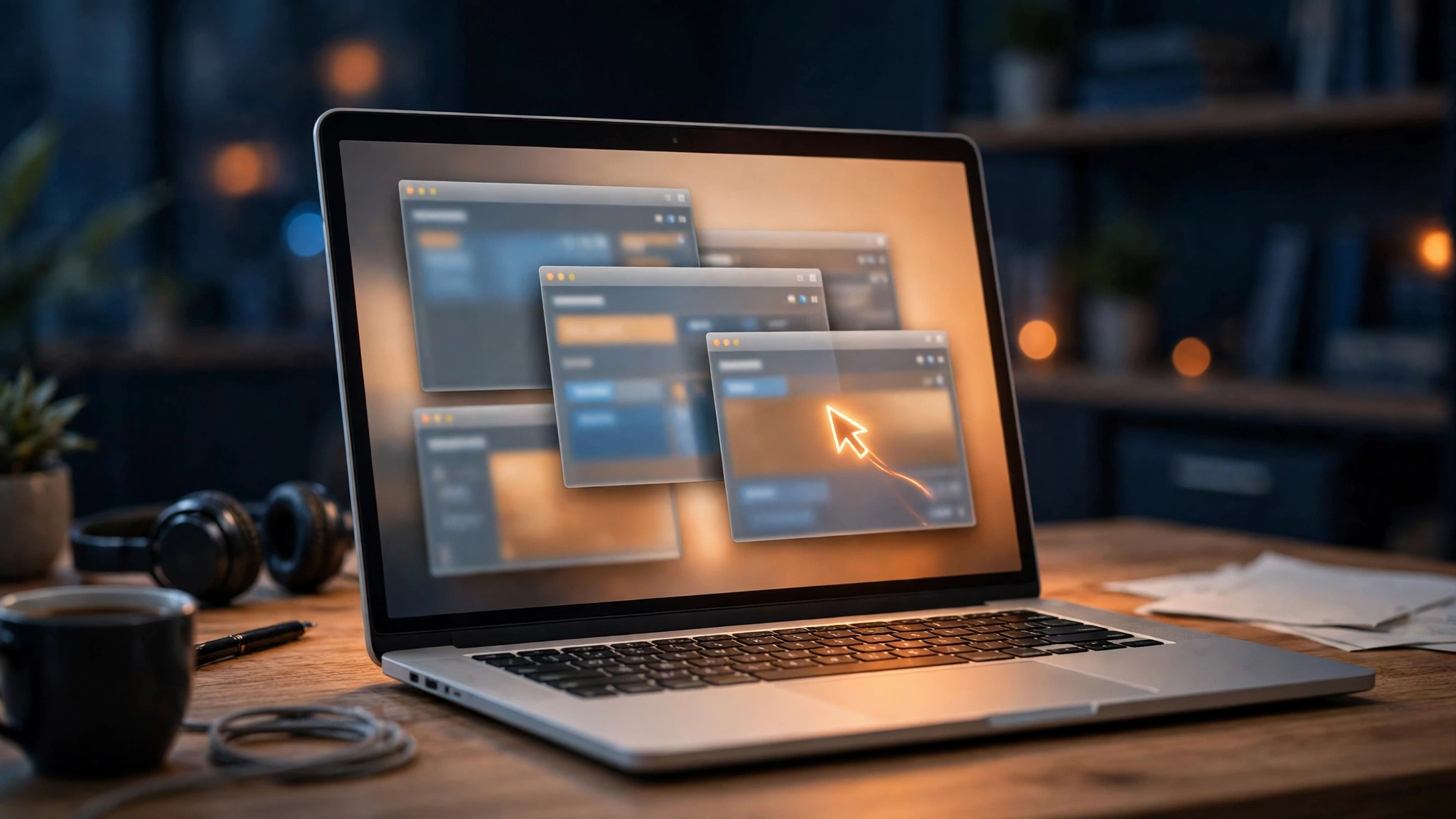
Anthropic has opened Claude's computer use feature to business customers. In release notes dated November 20, 2026, the company said the capability — which lets Claude see a user's screen and work inside the desktop applications they allow — is now in beta on the Team and Enterprise plans, rolling out to organizations gradually.
Until this week, the feature was limited to individual Pro, Max and Ultra subscribers. Anthropic's own help pages stated plainly that Team and Enterprise organizations did not have access. The business version arrives with a set of controls the consumer version never needed, because the stakes are different: on a work computer, Claude is not just chatting — it is clicking, typing and reading whatever is on screen.
Off by default — and only owners can turn it on
Computer use is off by default for every Team and Enterprise organization, and only an Owner or Primary Owner can switch it on, under Organization settings, then Capabilities. On Enterprise plans it can be restricted by custom role; on Team plans the setting covers every user. Administrators can limit which applications Claude may touch with allow and block lists — a password manager, for example, can be blocked outright — and IT teams can keep the feature disabled on specific machines through a device-management policy key. It runs only inside the new unified Claude experience, where chat and Cowork are merged, in Claude Desktop on macOS 14 or later and on Windows. It also works from Claude on the web and on mobile wherever a user has Computer access turned on.
Some organizations cannot enable it at all. Those with a HIPAA-ready setup, Zero Data Retention for Claude Code, customer-managed encryption keys, or FERPA and K-12 settings are excluded outright. Anthropic says the unified experience turns on by default for Team organizations on December 1, 2026, unless an Owner selects otherwise.
Anthropic's own warning: there is no sandbox
The setup guidance spends as much space on the gaps as on the settings. Anthropic warns that computer use has no sandbox between Claude and a user's applications, so content on screen — a web page, an email — could steer Claude into unintended actions. Screenshots Claude takes are saved with the chat, and the app allow and block lists do not cover Claude in Chrome, websites or remote desktops. Anthropic is blunt about the device key, too: it “isn't a lock against someone who can change the app or the computer's settings.”
The caution is the point. An agent that can see the screen can also be fooled by the screen, and Anthropic is putting that warning in writing before the feature reaches millions of work computers rather than after.
The race to run the desktop
Anthropic is not alone in moving AI from the chat window onto the desktop itself. Google added a computer use feature to its Gemini app for Mac on November 19, and Microsoft has spent its Ignite conference week pushing agentic control deeper into Microsoft 365. The month's push takes Claude from a place you ask questions into a place where work actually happens — whiteboards, live meetings, and now the desktop applications themselves. For businesses, the question is no longer whether an AI can see the screen. It is who gets to decide when it does — and Anthropic, at least for now, is leaving that decision with the organization's owner.